Changelogs
Stay up to date with the latest changes and enhancements.
Stay up to date with the latest changes and enhancements.

09. Mar 2026
Share
Salesforge 
1. Multichannel Templates
You can now start sequences using predefined Multichannel templates instead of building from scratch.
How it works:
Select a template
Preview it directly in the sequence tree canvas
Review and proceed with editing/customizing
2. Custom Labels as Positive
We’ve added the ability to assign custom labels as “Positive” in Primebox.
When creating a custom label, you will now see an additional checkbox: “Track as positives.” If enabled, any thread marked with that label will be counted toward the Positive metric in analytics!
3. PrimeboxApp Updates - Filters & Move contact
Continuing our mobile app upgrades, we’ve aligned Primebox filters on mobile with the web version. Additionally, we’ve introduced the ability to move a contact to another sequence directly from the mobile app, matching the functionality available on web!
4. Message Performance Analytics with A/Z Support
We’ve released message performance analytics for A/Z variants in Multichannel sequences.
You can now see how each variant performs across both Email and LinkedIn actions, helping you optimize messaging based on real results.
5. Customizable Variable Columns in Contacts Table
We’ve released customizable variable columns for the Contacts table, giving you more visibility over variable values. With standard variable column it was difficult to read values of variables and editing was inconvenient.
Now, in the Contacts page you can:
Display columns for your custom variables.
Preview variable values directly in the table.
Edit variable values directly from the table/cell
6. Whitelabel for Salesforge Multichannel & Agent Frank
We’ve extended Whitelabel support to include the new Multichannel functionality and Agent Frank, partners can now offer the full experience under their own brand.
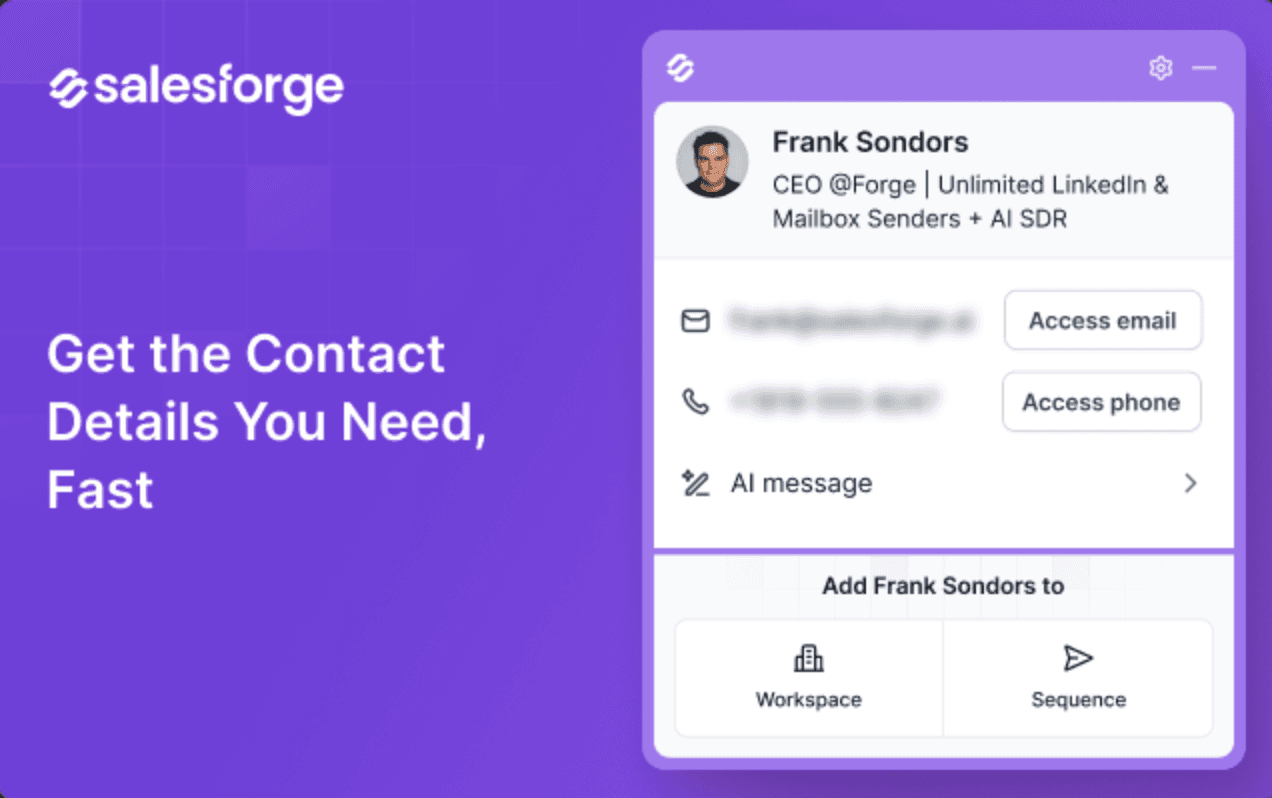
7. Salesforge Chrome Extension v2
We have released Chrome Extension v2! The extension now gives users improved contact management and outreach workflow directly both from websites and LinkedIn company pages.
What's new:
View Company & Employees: See company details and a list of employees on any website or LinkedIn company page.
Search & Filter Employees: Find contacts by name or position.
Contact Actions: View a contact’s contact details, generate and execute LinkedIn messages or emails, add to a workspace/sequence, find email and phone data.
Bulk Actions: Select multiple contacts to add to a workspace, assign tags (existing or new), or push them to a sequence.
Bulk Actions: Select multiple contacts to Find verified B2B emails or mobile numbers.
We're still working on more features & workflow improvements across all forges in March! 