Changelogs
Stay up to date with the latest changes and enhancements.
Stay up to date with the latest changes and enhancements.

20. Jul 2026
Share
Salesforge 
1. Improved Sender Profile Disconnection Flow
We've improved how LinkedIn sender profiles are disconnected, making it easier to temporarily remove and reconnect accounts without losing history.
Previously, disconnecting a LinkedIn account effectively deleted it, meaning reconnecting created a new sender. This could interrupt active outreach, break Primebox conversations, and lose the sender's association with previous campaigns.
What's changed:
You can now disconnect a LinkedIn account directly from the UI without deleting it.
Disconnected accounts remain in a Reconnect state, preserving all outreach history and Primebox conversations.
Reconnecting the account (using the same email) reuses the existing sender, allowing campaigns and replies to continue.
LinkedIn accounts can now only be permanently removed by deleting the entire sender profile.
Leadsforge 
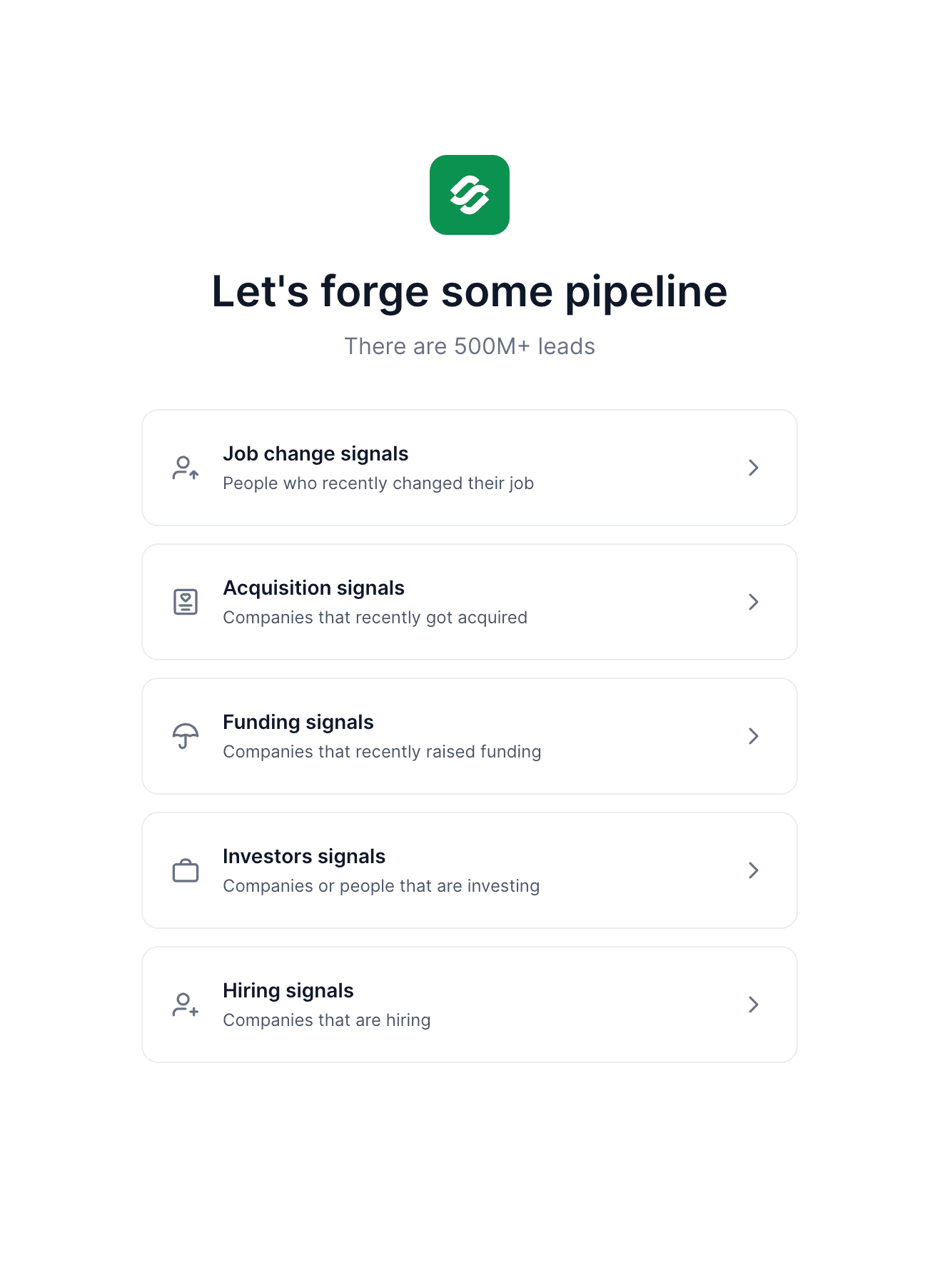
1. Hiring Signals for Leadsforge
We've introduced Hiring Signals as a new sourcing path in Leadsforge, helping you find companies that are actively hiring and discover the right people to contact inside those companies.
After selecting your filters, Leadsforge matches hiring companies with our database and returns the employees from those companies, allowing you to further narrow your search using Leadsforge's existing filters (for example, by job title or department).
Hiring Signals are available for companies in the United States, with support for additional countries and regions coming soon!
Agent Frank 
1. Agent Frank Channel Setup Redesign & Domain Preview
We've redesigned the Channels step in Agent Frank onboarding to make setup faster and more intuitive. The new flow simplifies sender configuration and introduces a Domain Preview, allowing you to review and choose the domains you'd like to use before purchasing.
What's new:
Domain Preview lets you browse and select domains before completing your setup.
The empty state now highlights Megaforge as the recommended option for purchasing mailboxes.
Creating a sender profile now requires connecting a LinkedIn account and providing a profile name.
Existing sender profiles are displayed, allowing you to quickly select and reuse them.
If you already have mailboxes, you can assign them to senders through a dedicated mailbox picker.
Every sender must have at least one mailbox assigned.
When purchasing through Megaforge, mailboxes are automatically distributed and assigned to your sender profiles.
We're still working on more features & workflow improvements across all forges in July! 