
Nov 2, 2026
Salesforge 
1. LinkedIn Voice Notes
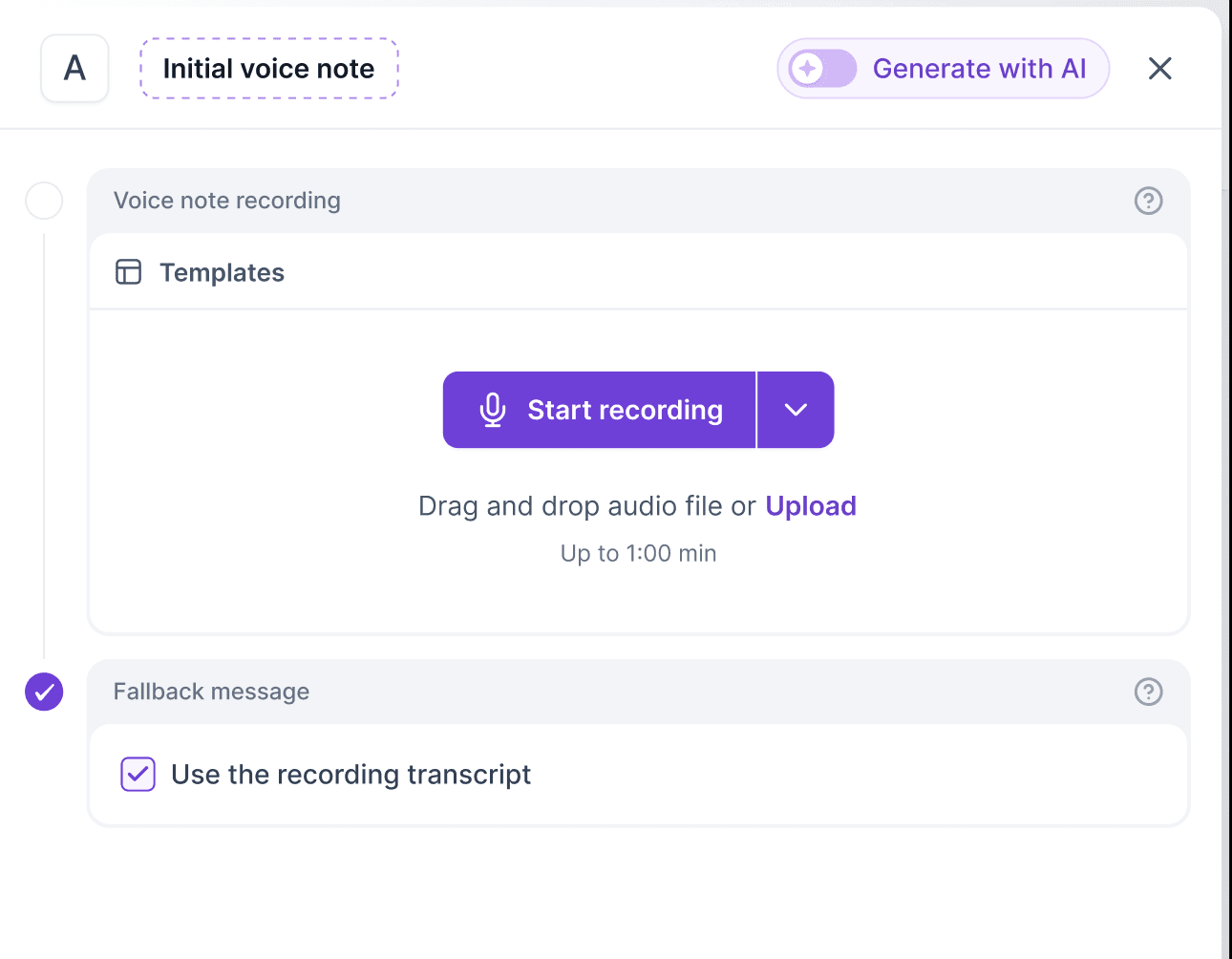
Your sequences can now send LinkedIn voice notes, the same voice messages you send by holding the mic button in the LinkedIn app.
How it works:
New Send voice note step in the Multichannel builder, for 1st-degree connections
Recorded: record in the browser or upload a file (up to 60 seconds), and every lead hears the same note
AI-generated: write a script with variables and spintax, and each lead hears their own version in the sender’s voice
Give each sender a voice from the voice library, or clone your own by reading a short script out loud
If a voice note can’t be delivered, a regular text message goes out instead
Also available in Primebox, with a player and transcript in the inbox
Every voice note uses 1 social credit, and AI-generated ones also use 2 personalization credits
2. Meetings Booked in Analytics
The sales funnel now goes one step further than replies: Contacted → Replied → Positive → Meetings booked.
Shows meetings booked and the % of Positive leads that became meetings, in global and sequence analytics
New Meetings booked metric per sender and channel, so you can see which mailboxes and LinkedIn profiles actually generate meetings
Counted from the Meeting booked, Meeting completed and Closed labels
3. Automatic Lead Redistribution When Senders Change
Multichannel sequences now rebalance leads when you add, remove or lose a sender.
If a sender is deleted or disconnected, its not-yet-contacted leads are spread across the other senders. Disconnections wait 24 hours first
A newly added sender takes its fair share of not-yet-contacted leads from the busiest senders
Leads that were already contacted always stay with their original sender, so conversations are never split
4. Background Report Downloads
Multichannel sequence reports are now generated in the background, so you no longer wait on the page for big exports.
Works for Contact List, All Emails & Messages, Contacts and Step Statistics
Leave the page and keep working, and you’ll get an email with the download link when it’s ready
5. Workspace-Level API Keys
When you create an API key, tick the option to tie it to one workspace. It can’t access data anywhere else
Safer for handing API access to a client, contractor or third-party tool. Unticked keys work account-wide, as before
6. Create a Full Multichannel Sequence in One API Call
New POST /multichannel/workspaces/{workspaceID}/sequences/tree endpoint builds a whole sequence, with steps, waits, conditions and A/B splits, in one request
Invalid trees are rejected with a clear error, so you never end up with a half-built sequence
Agent Frank 
1. Dynamic Goals
Agent Frank no longer pushes every lead toward the same goal. It picks the right next step for each lead.
Build a goal plan in the Customization step: Start → checkpoints → final goals, with alternatives at each checkpoint
Give the agent a resource library of links, documents and meeting links (Calendly, HubSpot, Google Meet, Outlook) that it can share when the conversation calls for it
Track progress in the new Conversations and Summary tabs: leads succeeded, value earned, and a breakdown by goal
Leadsforge 
1. Search API Usage & Access
Every account gets 1,000 free search API requests per month. After that, each search uses 1 credit
Your API key now works with or without an active subscription, as long as you have credits
Primeforge 
1. Renewal & Mailbox Cancellation Reminders
An email the day before your subscription renews, and the day before mailboxes are scheduled to be cancelled
Turn either one on or off in the new Settings → Notifications tab
Infraforge 
1. Mailbox Analytics in Infraforge
Infraforge now has the same mailbox-level analytics as Primeforge and Mailforge.
Sent, received and reply rate, activity over time, bounces (hard and soft), sending IPs with blacklist status, and recipients by top domain and email provider
Time ranges from 24h to All time
We’re still working on more features & workflow improvements across all forges in November! 